Connect Lemon Squeezy
Lemon Squeezy orders and subscription renewals land in Statiz in real time through a webhook you create in your own Lemon Squeezy dashboard, refunds net out automatically, and Sync now backfills up to a year of history. One LS quirk to know: webhook signing secrets are chosen by you when you create the webhook — Statiz just needs the same value.
statiz.revenue() beacon, never both, or the same payment counts twice (why).Step 1: Create the webhook
In Lemon Squeezy, open Settings → Webhooks (app.lemonsqueezy.com/settings/webhooks) and click + New webhook.
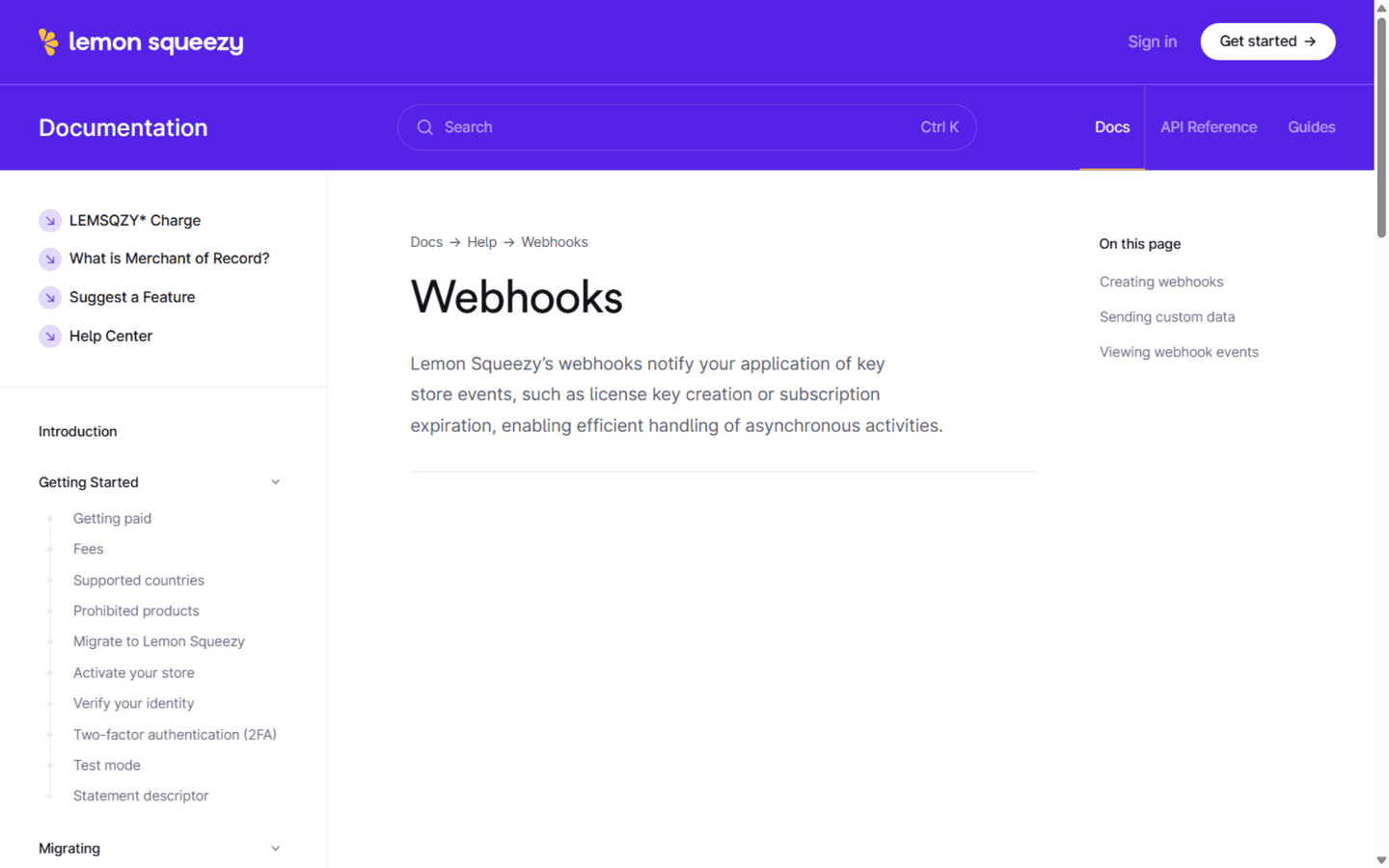
- Give the webhook a name (anything — “Statiz”) and paste the Callback URL shown in Statiz under Settings → Revenue → Connect Lemon Squeezy — it looks like
https://your-statiz-url/api/webhooks/lemonsqueezy/{your site id}. Statiz must be reachable at a public URL (localhost can't receive webhooks — deploy first or use a tunnel). - Set a signing secret — a long random string you invent (LS signs every delivery with it). Save a copy; you'll paste it in Step 3.
- Select exactly these four events:
order_created— a paid order, one-time or the first subscription paymentorder_refunded— a refund of an order (a negative row)subscription_payment_success— a renewal invoice (initial invoices are ignored on purpose — the order already counted that money)subscription_payment_refunded— a refunded invoice (a negative row)
- Save the webhook. If you skipped the secret field, open the webhook again — LS shows the secret to copy.
Step 2: Copy your API key
In Lemon Squeezy, open Settings → API keys and copy a key (the eyJ… kind — create one labeled “Statiz” if you like). Read-only is enough; Statiz only lists orders and invoices to backfill.
Lemon Squeezy keys don't indicate test or live — test mode is a property of each order. Statiz syncs your production store's orders and invoices (test-mode data is not synced).
Step 3: Connect in Statiz
Open your website in Statiz, go to Settings → Revenue, pick Lemon Squeezy as the provider, then paste the API key and the signing secret you set on the webhook and click Connect.
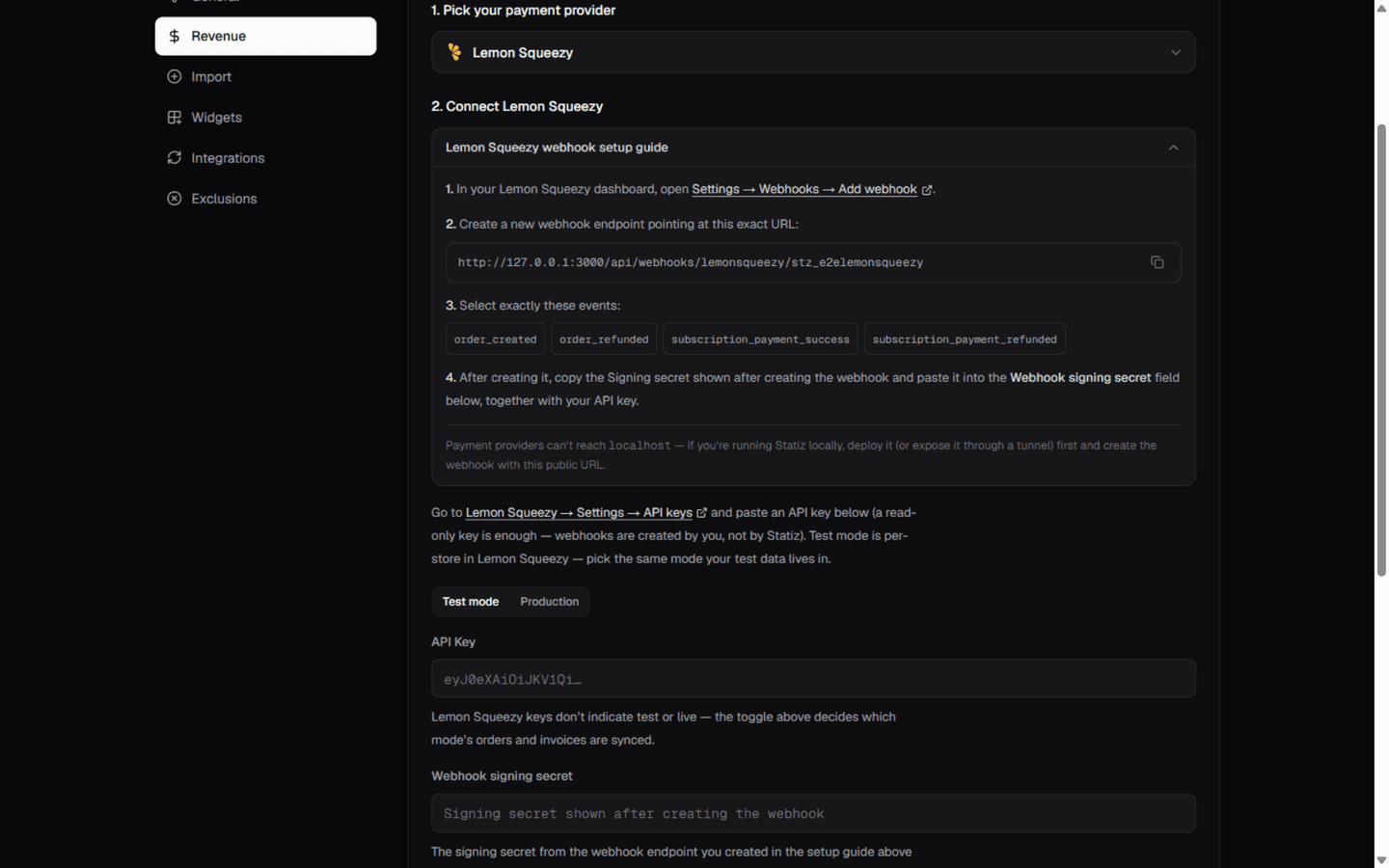
Statiz verifies the key against your LS user (the card shows your account name as the label), encrypts both values with AES-256-GCM, and stores them — the raw key is never logged or shown again.
Step 4: Sync and verify
Click Sync now once connected. The first sync backfills orders and renewal invoices from LS's API — up to 365 days — and reports how many were imported. Later orders arrive in real time through the webhook.
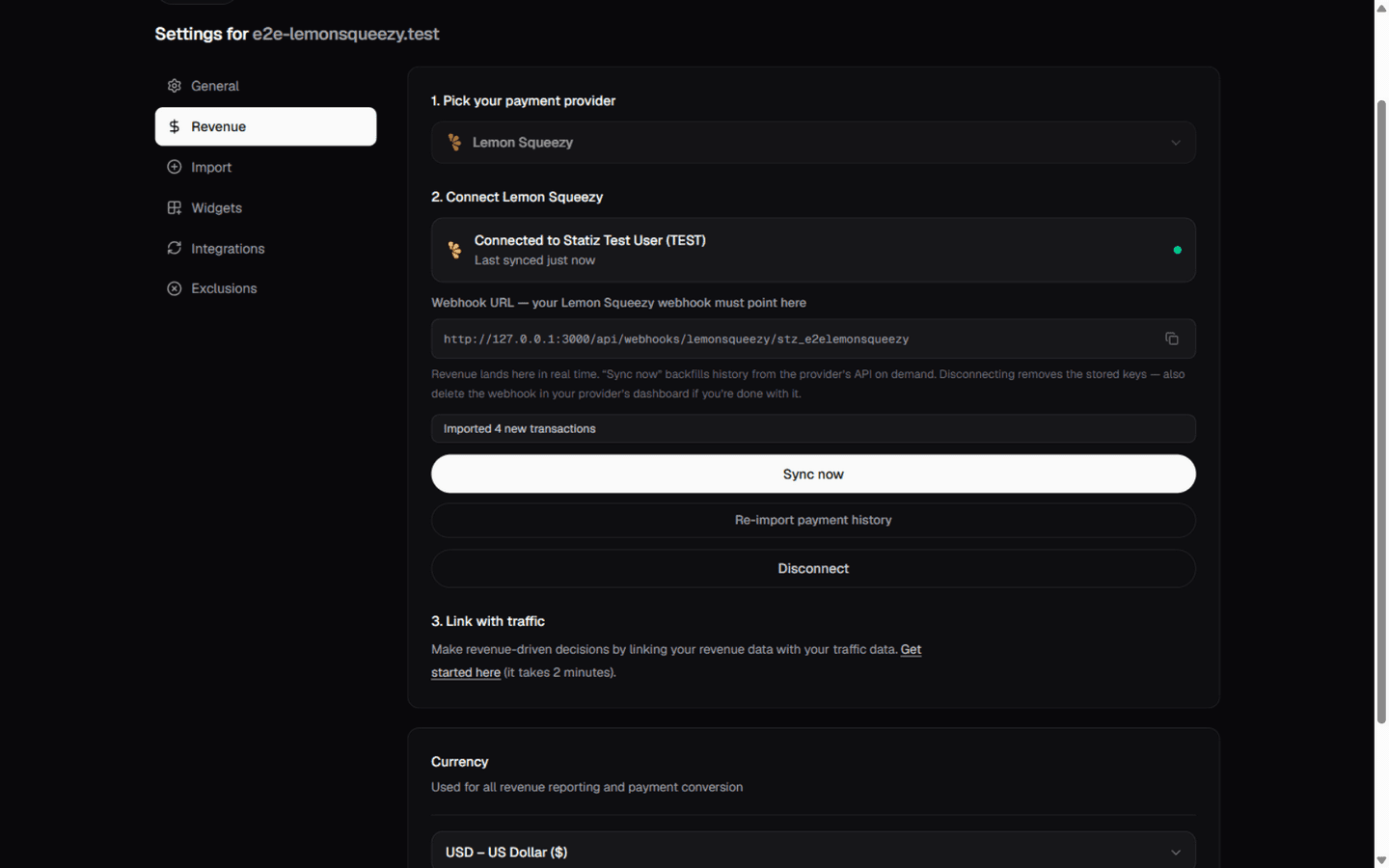
To verify the webhook end-to-end, place a test order from your LS test store and watch the Revenue tile on the dashboard jump. Duplicate deliveries and re-syncs are harmless — rows key on the LS order/invoice ids, so nothing is counted twice.
Notes & caveats
- The initial invoice of a subscription is deliberately skipped everywhere — the
order_createdevent already counted that money, so counting both would double it. Renewals land as their own rows. - LS revenue counts the order total in the store's currency; partial refunds produce a matching negative row.
- To attribute payments to tracked visitors, pass
statz_visitor_idin the checkout'scustom_data(?custom_data=…on the LS checkout URL) — the full recipe is in Link payments to visitors. - LS retries failed deliveries; Statiz acknowledges everything it processed, so retries are always safe.
- Disconnecting removes the stored key and secret — also delete the webhook in LS settings if you're done.